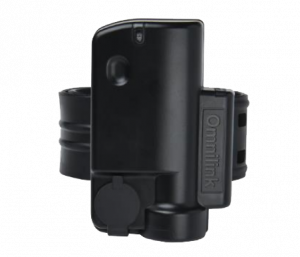

Every electronic monitoring programme has the same dirty secret: GPS ankle bracelets stop working in the places defendants spend most of their time. Basements, industrial buildings, rural homes with poor cellular coverage, and even some urban apartments become supervision blind spots where the device reports “signal loss” and the monitoring centre receives yet another false alert that may — or may not — mean something has gone wrong.
This is not a minor inconvenience. For a programme supervising 500 defendants, cellular dead zones generate 30-60 signal-loss false alerts per day, costing an estimated $100,000-180,000 annually in officer response time. Worse, when a defendant genuinely tampers or absconds from a known dead zone, officers cannot distinguish the real event from the noise of routine signal failures.
The GPS ankle bracelet industry has treated this as an unsolvable infrastructure problem for two decades. It is not. WiFi-directed connectivity mode — where a GPS ankle bracelet transmits monitoring data through a WiFi network instead of cellular — eliminates dead zones with hardware that costs less than $10 per defendant.
The Dead Zone Problem: Why Traditional GPS Ankle Bracelets Fail Indoors
Traditional GPS ankle bracelets rely on two satellite/terrestrial systems that share a common vulnerability: both require line-of-sight to external infrastructure.
- GNSS (GPS/GLONASS/Galileo/BeiDou): Satellite signals cannot penetrate reinforced concrete, underground structures, or dense buildings. When the GPS ankle bracelet moves indoors, positioning accuracy degrades from 2-5 meters to complete unavailability.
- LTE/3G cellular: Cellular signals attenuate significantly through building materials, basement earth/concrete, and in areas with poor tower density. When the GPS ankle bracelet cannot reach a cell tower, it cannot transmit data to the monitoring centre.
The result: a GPS ankle bracelet that works perfectly in a parking lot becomes functionally blind the moment a defendant walks into their basement apartment, warehouse job, or rural home.
The $10 Solution: WiFi-Directed GPS Ankle Bracelet Monitoring
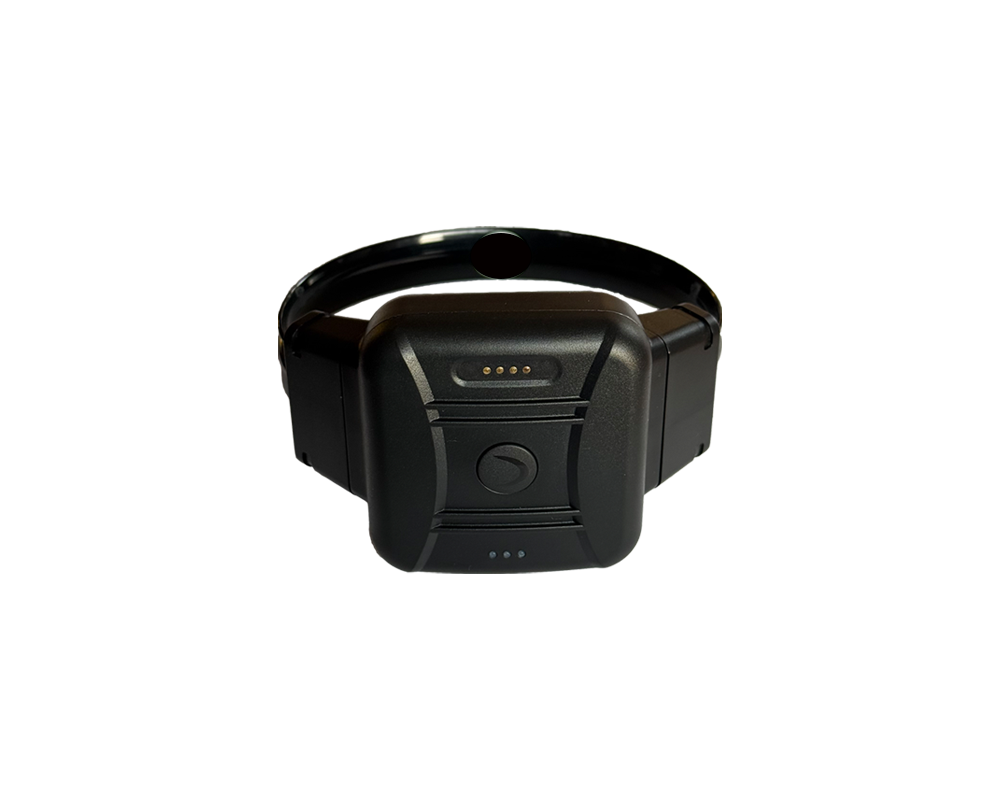
The CO-EYE ONE-AC GPS ankle bracelet introduces a fundamentally different approach: when cellular connectivity is unavailable, the device automatically connects to available WiFi networks to transmit monitoring data. This is not a theoretical capability — it is a production feature that changes the economics of dead zone management:
How WiFi-Directed Mode Works
- Defendant’s home has WiFi but poor cellular: The GPS ankle bracelet auto-connects to the home WiFi network. Monitoring data flows continuously through the internet connection instead of cellular. Zero signal-loss alerts.
- Defendant lives in basement with no signal: A WiFi repeater ($10 from any electronics store) placed in the basement extends the existing home WiFi. The GPS ankle bracelet connects to it. Problem solved for $10.
- Defendant works in warehouse/industrial building: Workplace WiFi or a mobile hotspot from the defendant’s phone provides the data path. The GPS ankle bracelet transmits position and status data through WiFi instead of cellular.
- Rural area with spotty cellular: If the residence has any internet connection (satellite, DSL, cable), a WiFi router provides the GPS ankle bracelet with a reliable data transmission path regardless of cellular coverage.
WiFi vs. Cellular: Performance Comparison for GPS Ankle Bracelets
| Metric | Cellular (LTE/3G) | WiFi-Directed | Advantage |
|---|---|---|---|
| Indoor coverage | Degraded to unavailable | Full coverage wherever WiFi reaches | WiFi: eliminates blind spots |
| Basement coverage | Typically unavailable | Full with repeater ($10) | WiFi: $10 fix vs. permanent blind spot |
| Rural coverage | Spotty to unavailable | Full if internet exists | WiFi: any internet = monitoring |
| Power consumption | High (continuous cell search) | 3-5x lower than cellular | WiFi: extends battery to 20 days |
| Battery life impact | 7 days (CO-EYE) / 24-72h (others) | 20 days (CO-EYE WiFi mode) | WiFi: 3x battery extension |
| Data transmission | Metered (carrier cost) | Unmetered (home/work internet) | WiFi: lower operational cost |
Table 1: GPS ankle bracelet communication mode comparison. WiFi-directed mode simultaneously solves the dead zone problem and extends battery life — a dual benefit unique to multi-mode architectures.
The Dual Benefit: Dead Zone Elimination AND Battery Extension
What makes WiFi-directed mode transformative is that it solves two problems simultaneously:
- Dead zone elimination: Monitoring data flows through WiFi wherever cellular fails
- Battery life extension: WiFi data transmission consumes 3-5x less power than cellular, extending the CO-EYE ONE-AC GPS ankle bracelet from 7 days (LTE) to 20 days (WiFi)
No other GPS ankle bracelet technology delivers both benefits from a single feature. Traditional devices cannot offer WiFi-directed mode because they lack WiFi communication hardware — this is a physical architecture difference that cannot be resolved through firmware updates.
Three-Mode Adaptive Architecture: BLE + WiFi + LTE
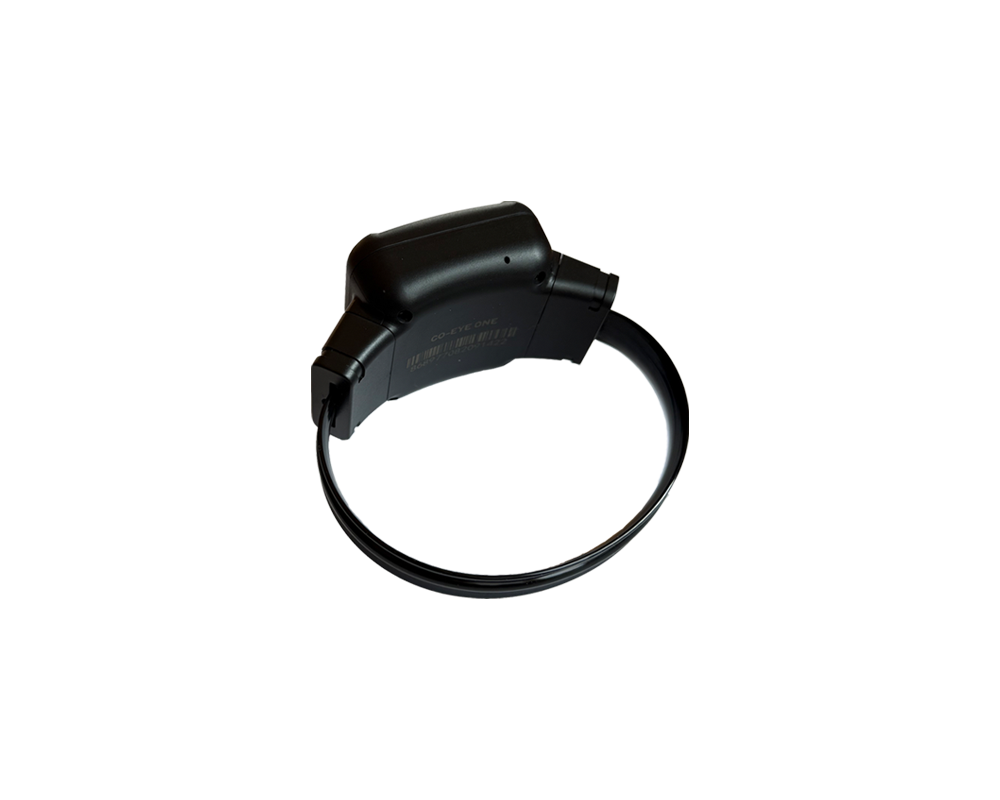
WiFi-directed mode is one layer of the CO-EYE ONE-AC’s adaptive multi-mode connectivity engine. The complete architecture operates across three communication modes that the device selects automatically based on environmental conditions:
| Mode | When Active | Battery Life | Dead Zone Coverage |
|---|---|---|---|
| BLE Connected | Smartphone or HouseStation in range | 180 days | Indoor presence confirmation via companion device |
| WiFi Directed | WiFi available, cellular unavailable/weak | 20 days | Full monitoring through any WiFi network |
| LTE Standalone | Outdoor, no BLE/WiFi | 7 days | Full autonomous GPS + cellular tracking |
The device switches between modes automatically with zero officer intervention. When a defendant walks into their basement apartment, the GPS ankle bracelet transitions from LTE to WiFi. When they leave for work, it shifts to BLE (if their phone is nearby) or LTE (if not). This adaptive behaviour means:
- No manual WiFi configuration by officers (networks are pre-configured during enrolment)
- No defendant action required — the GPS ankle bracelet manages its own connectivity
- No supervision gaps during transitions — mode switching is seamless
Implementation: Deploying WiFi Coverage for GPS Ankle Bracelet Programmes
Scenario 1: Urban Basement Apartments
Problem: Defendant lives in basement; cellular signal too weak for reliable GPS ankle bracelet communication.
Solution: Deploy WiFi repeater ($10-15) connected to existing building WiFi or defendant’s internet. Officer configures WiFi credentials during GPS ankle bracelet enrolment.
Result: Continuous monitoring, zero signal-loss alerts, battery extends from 7 to 20 days.
Scenario 2: Rural Residences
Problem: No cellular tower within reliable range; GPS ankle bracelet reports constant “out of service.”
Solution: If residence has any internet (satellite, DSL, cable), existing WiFi router provides the data path. If no WiFi exists, deploy a mobile hotspot ($20-30/month).
Result: Full supervision capability where previously impossible. Enables GPS ankle bracelet monitoring in areas traditional devices cannot serve.
Scenario 3: Industrial/Warehouse Employment
Problem: Steel-frame building blocks cellular. GPS ankle bracelet loses contact during defendant’s 8-hour work shift.
Solution: Defendant’s smartphone creates WiFi hotspot; GPS ankle bracelet auto-connects. Or employer WiFi is configured during setup.
Result: Uninterrupted monitoring during employment hours, supporting both supervision requirements and defendant employment stability.
Frequently Asked Questions About GPS Ankle Bracelet Dead Zones
Why do GPS ankle bracelets lose signal indoors?
GPS ankle bracelets rely on GNSS satellite signals (blocked by buildings) and LTE/3G cellular (attenuated by concrete, earth, and steel). In basements, industrial buildings, and areas with poor cellular tower coverage, both systems degrade or fail entirely, causing “signal loss” alerts.
Can WiFi fix GPS ankle bracelet dead zones?
Yes. WiFi-directed mode allows a GPS ankle bracelet to transmit monitoring data through any WiFi network instead of cellular. A $10 WiFi repeater placed in a basement or dead zone area provides reliable data connectivity. The CO-EYE ONE-AC is the first GPS ankle bracelet with built-in WiFi-directed mode.
How much does it cost to eliminate a GPS ankle bracelet dead zone?
A WiFi repeater costs $10-15. If the defendant has no internet, a mobile hotspot costs $20-30/month. Compare this to the $100,000-180,000 annual cost of managing signal-loss false alerts for a 500-defendant programme — WiFi infrastructure is orders of magnitude cheaper than the problem it solves.
Does WiFi mode affect GPS ankle bracelet battery life?
WiFi mode improves battery life. WiFi data transmission uses 3-5x less power than cellular. The CO-EYE ONE-AC GPS ankle bracelet achieves 20 days on WiFi-directed mode versus 7 days on LTE — so WiFi simultaneously eliminates dead zones and extends battery life.
Which GPS ankle bracelets have WiFi connectivity?
As of 2026, the CO-EYE ONE-AC is the only GPS ankle bracelet with full three-mode adaptive connectivity (BLE + WiFi + LTE). Most competing devices rely exclusively on cellular communication, which means they cannot transmit data when cellular coverage is unavailable. WiFi-directed mode requires specific hardware (WiFi radio module) that legacy GPS ankle bracelet designs do not include.
How does adaptive multi-mode connectivity work in a GPS ankle bracelet?
The CO-EYE ONE-AC continuously evaluates available communication channels. When BLE (smartphone/HouseStation) is available, it uses ultra-low-power BLE for 180-day battery life. When WiFi is available but cellular is weak, it switches to WiFi-directed mode (20-day battery). When only cellular is available, it operates in full LTE standalone mode (7-day battery). Mode switching is automatic and seamless.